
01
Overview
Making invisible modifiers visible
Vertex Weight Proximity Viewer is a Blender add-on for riggers. Blender's Vertex Weight Proximity modifier blends a mesh's weights based on how close its vertices are to a target object, but those distance ranges are invisible in the viewport. You set a minimum and a maximum distance by typing numbers into a panel and hoping.
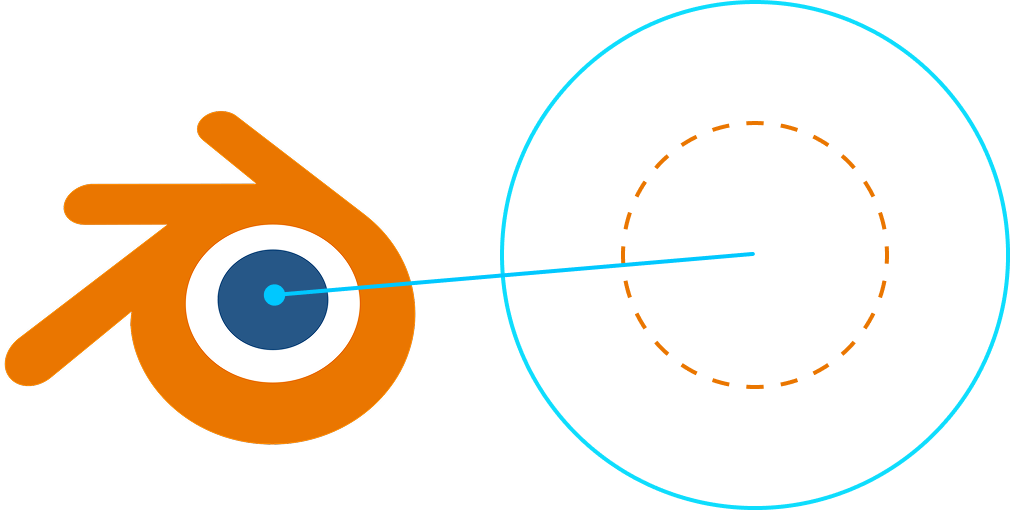
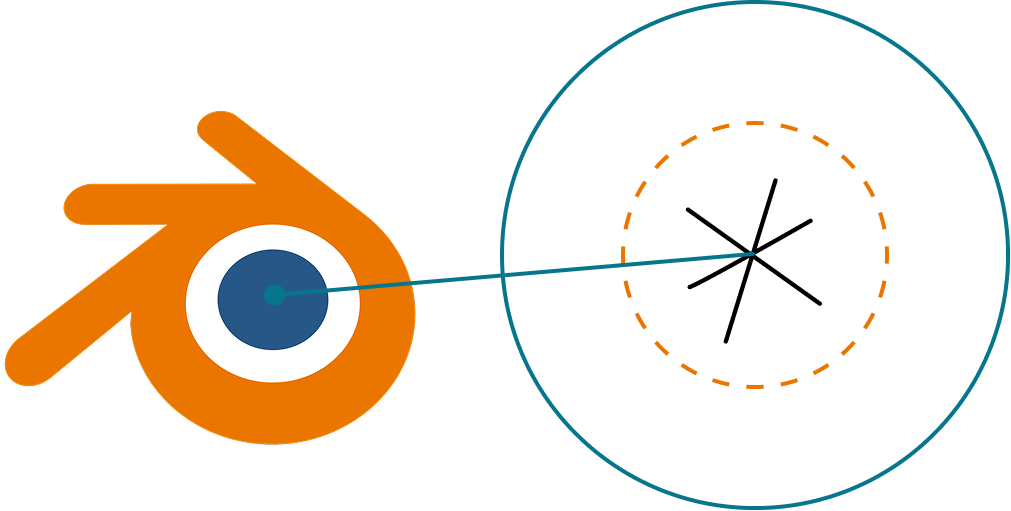
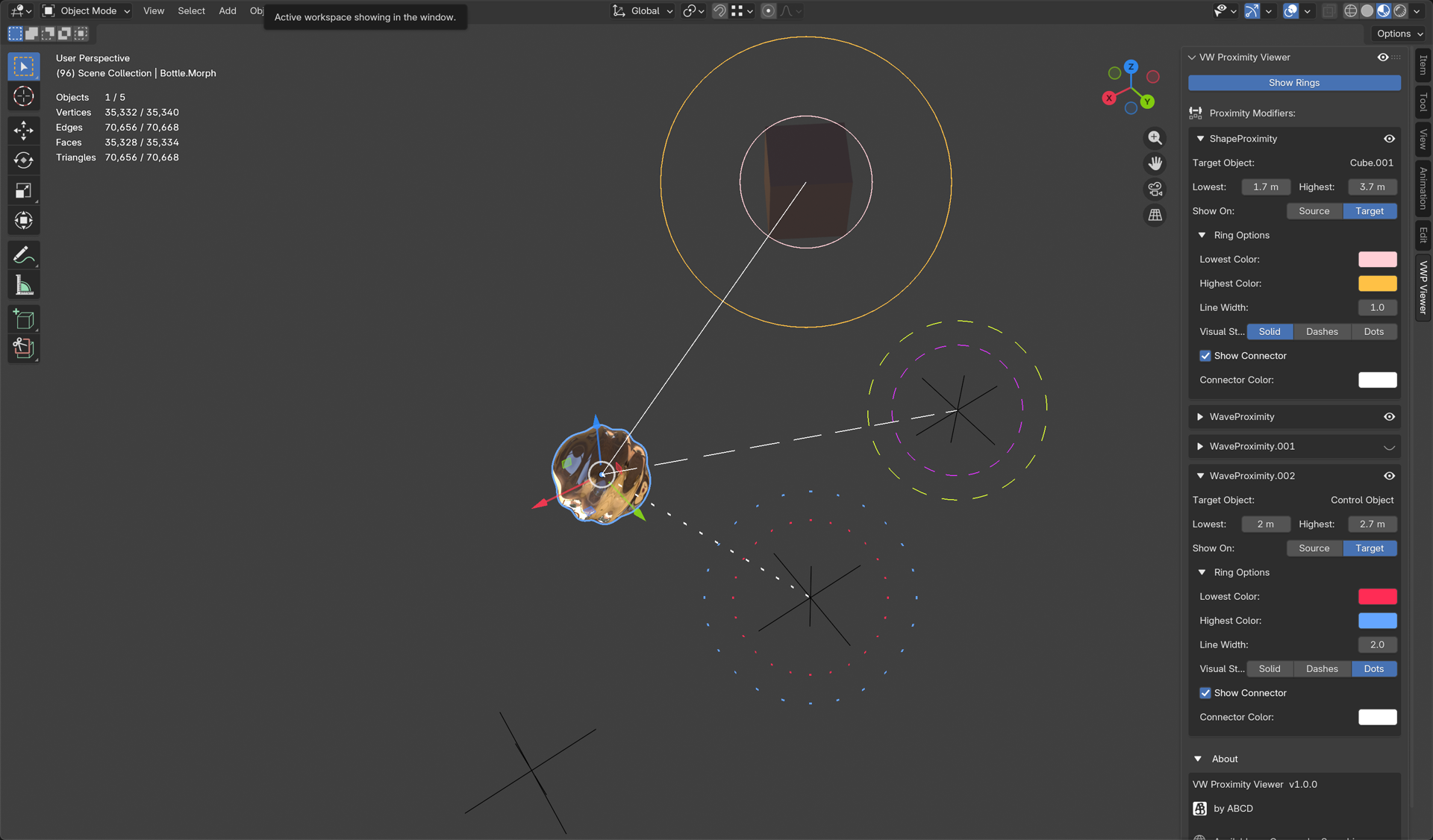
VWPV draws those ranges as live rings in the 3D viewport, one for the minimum distance and one for the maximum, updating in real time as you move objects or change values. Instead of guessing where weights start and stop transitioning, you can see it.
02
Challenge
The tweak-and-check trap
Weight painting around joints with this modifier is a loop of typing a number, applying it, looking at the deform, not liking it, going back to the panel, and trying again. On a complex rig with several of these modifiers stacked up, that blind trial-and-error gets slow and easy to get wrong. The information you need, where the falloff actually reaches, is never on screen where you are working.
03
Build
An overlay, not a modifier
VWPV is a viewport overlay, drawn with Blender's GPU module on a draw handler that runs each frame after the mesh is rendered. For every proximity modifier on the active object, it reads the live minimum and maximum distance, builds two camera-facing circles at those radii in world space, and draws them. It also scans the scene for modifiers on other objects that point at the active one, so you can see a target's incoming influence too.
It never changes your mesh or adds geometry; it is a non-destructive overlay in the same spirit as Blender's own bone and empty visualizations. Per-modifier settings live on the scene, keyed by name, so your colors and styles persist with the file.
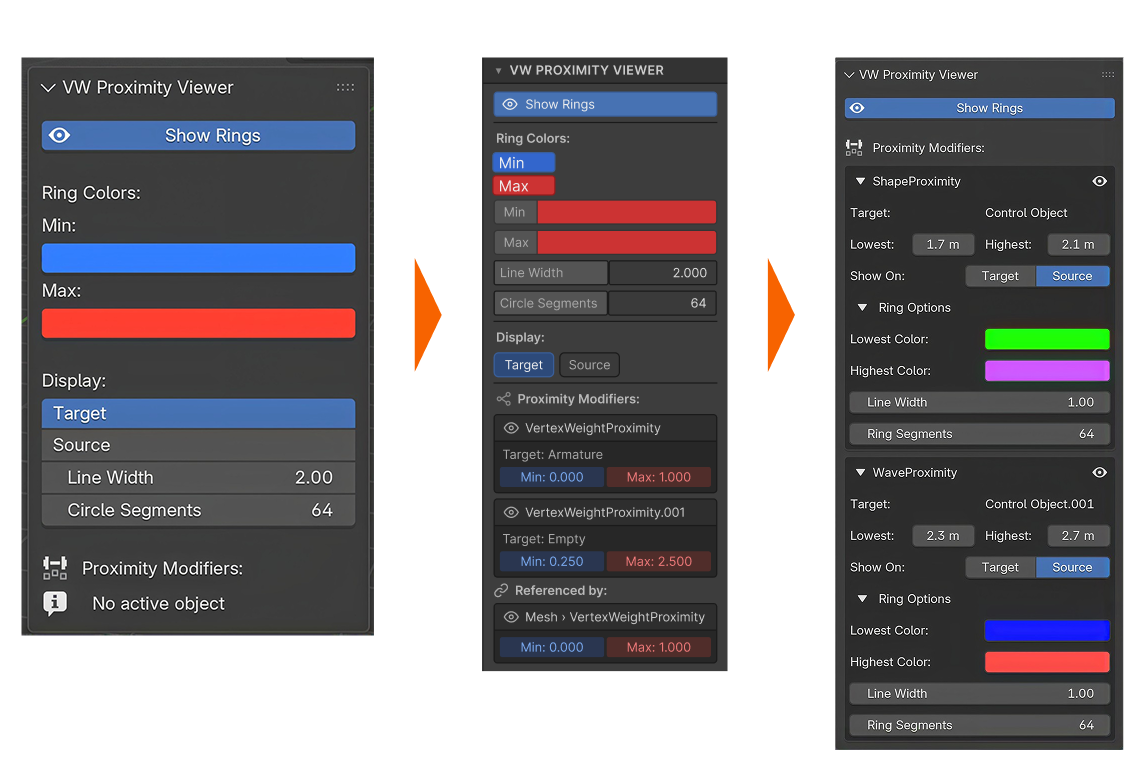
Two rounds of optimization came out of a review before release. The overlay was building its GPU shader inside the draw callback, which meant allocating one every single frame; that moved to a single shader created once. The rings were being assembled as a list of separate line pairs, doubling the vertex count for no benefit, so they became a continuous strip. The biggest win was the least visible: the scan that finds modifiers pointing at the active object was walking every modifier on every object in the scene, every frame, and is now cached.
04
Capabilities
Built for real rigs
The features all come from the reality of working on a rig with more than one of these modifiers at once: you need to tell them apart at a glance and keep the view readable.
Visualize
Min + max distance ringsPer-modifier colorsSolid / dashes / dots stylesConnector line to targetCenter on source or targetReal-time update
Manage
Per-modifier show / hideGlobal rings toggleReferenced-by viewAdjustable line widthN-panel controlsTooltips throughout
05
Outcome
Built for purpose
VWPV is the one project here I packaged as a product: a paid add-on on Gumroad, built against Blender 5.0 and up using the modern extension format. Getting there meant the unglamorous finishing work too. A Blender 5.1 crash turned out to be a new color property that had no stored value in files created by the older version, so the first write into it hit an uninitialized pointer and took Blender down with it. The fix has two halves: new entries get their defaults written the moment they're created, and a migration pass repairs older ones, running both when a file loads and once when the add-on is switched on, since someone can enable it with a file already open.
It is deliberately restrained. A filled gradient between the rings would look richer but tells a rigger less than two crisp boundaries; a user-adjustable ring resolution would just be a knob nobody needs. I stopped adding things where they stopped being useful.